A client domain rarely becomes a crisis because nobody knew the name. It becomes a crisis because nobody knows who owns it, who can renew it, or which of several old records is current.
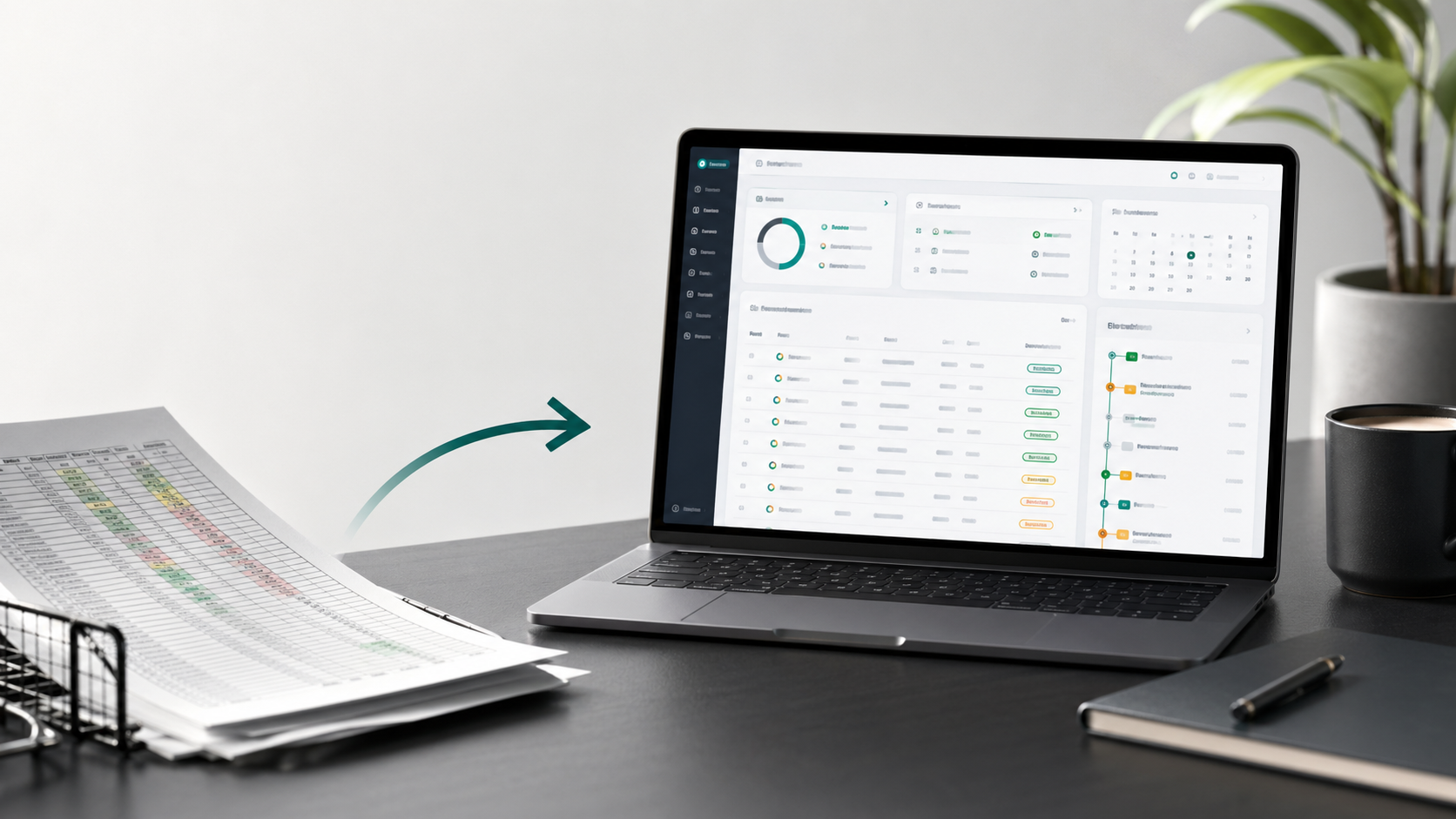
That is why many agencies eventually outgrow their client-domain spreadsheet. The file may have started as a clean list of domains, expiration dates, registrars, and client names. Over time, it becomes the renewal system, ownership record, cost tracker, handover document, and emergency reference for the whole team.
For a small, stable portfolio with one clear owner, a spreadsheet may still be enough. The warning sign is when the team has to build a manual process around the file just to keep it trustworthy.
Know when the spreadsheet has become the process
A spreadsheet is useful for collecting what the team knows. It becomes risky when it is expected to enforce what the team should do next.
With several clients, registrars, and people involved, the same gaps appear again and again:
- Two copies show different expiration dates, and nobody knows which one is current.
- A registrar notice goes to a former employee, contractor, or client contact.
- A client-owned domain and an agency-owned domain look the same, even though the renewal action is different.
- A private campaign or acquisition domain is visible to everyone with access to the general list.
- Costs, hosting notes, DNS context, and SSL details sit in separate tools.
- A handover depends on the memory of the person who last touched the registrar account.
Adding another column may make the spreadsheet wider, but it does not give the team a shared process for ownership, reminders, access, or follow-up.
Define the domain record before choosing a tool
Before replacing a spreadsheet, name the jobs it is doing today. Most client-domain inventories need to answer five questions:
- Which domains do we manage for each client?
- Who owns each domain, and who is the client contact?
- When does it expire or renew?
- Who must act before the renewal date?
- What would a new teammate need to know during a support request or handover?
Those answers form the minimum domain inventory. Start with the domain name, client, owner, registrar, expiration date, status, renewal responsibility, notes, and tags. Add hosting, DNS, SSL, privacy, and annual cost details when they help the team make a decision without searching through another system.
Keep stable facts structured and put explanations in notes. A registrar name, expiration date, or annual cost should be easy to filter and review. A note can explain why a domain is still needed, who approves payment, or what must happen before it is retired.
Separate ownership from renewal responsibility
One of the most important distinctions is also one of the easiest to miss: the client may own the domain while the agency monitors it.
If the domain is client-owned, the agency may need to remind the client, confirm billing details, or recover access before renewal. If the agency owns it, the team may be able to renew directly. If ownership is unknown, mark the record for investigation instead of treating an assumption as a fact.
Record three separate answers whenever they differ:
- Who legally or operationally owns the domain?
- Who decides whether it should renew?
- Who is responsible for the next action?
This removes a common source of renewal confusion. The teammate reviewing an upcoming expiration should not have to search old emails to find out whether the agency can renew the domain or can only warn the client.
Route reminders before the deadline becomes urgent
Registrar emails are useful signals, but they are a fragile foundation for agency operations. The registrar knows the contact address on the account. It does not know who currently manages the client, which shared channel the team uses, whether a contractor has left, or whether the client must approve payment first.
Set a default reminder window for the portfolio, then give high-friction domains more lead time. A domain that needs client approval, access recovery, procurement, or a DNS change should not follow the same schedule as a low-risk parked domain.
Choose the channel based on the action:
- Email can give an account manager a clear, trackable renewal notice.
- Slack can put shared operational work in front of the team that owns it.
- A webhook can send renewal context into a ticketing or internal workflow.
- SMS can support a time-sensitive escalation when the workspace plan and destination support it.
Every reminder should point back to the domain record. The recipient needs more than a date: they need the client, registrar, owner, renewal responsibility, and any instruction that changes the next step.
Keep one inventory while limiting sensitive records
Agencies often manage client domains alongside agency domains, campaign names, staging records, acquisition domains, and internal infrastructure. A flat spreadsheet makes it easy to expose everything to everyone who needs access to anything.
The opposite approach is not much better. Separate private files may protect sensitive records for a while, but they also create duplicate inventories, unclear ownership, and another handover problem.
A better workflow keeps ordinary client records in one shared inventory and limits private records to the people who need them. Pair record privacy with roles: viewers can inspect the portfolio, managers can maintain domain records, and admins can manage wider workspace settings. That gives the team useful visibility without giving every teammate the same level of access.
Migrate in passes instead of perfecting the spreadsheet first
Leaving spreadsheets does not require retyping every row. Import the existing file, then improve the portfolio where the gaps matter most.
A practical migration looks like this:
- Preserve the original file and work from a dated copy.
- Keep the fields that drive workflow: domain, expiration date, registrar, owner, client, status, and tags.
- Import the CSV or XLSX file into the shared domain inventory.
- Review missing dates, unknown registrars, duplicate domains, stale contacts, and records with unclear ownership.
- Add notes for handover context, approval requirements, access issues, or retirement decisions.
- Set workspace reminder defaults and custom lead times for high-risk domains.
- Run the first portfolio review, then export a clean record when a client handover or internal audit requires it.
Do not turn uncertain spreadsheet values into facts just because they fit neatly into a column. Tag them for review. A visible gap is safer than a complete-looking record that gives the team false confidence.
If you want a field-by-field migration checklist, follow this CSV/XLSX domain import walkthrough.
Make portfolio reviews routine
Client-domain work is easiest when it happens before renewal season creates pressure. A quarterly review is a useful baseline for many agencies; larger or higher-risk portfolios may need a monthly check.
During the review, look for:
- Domains expiring soon without a confirmed renewal owner.
- Missing registrar details, inaccessible accounts, or outdated contacts.
- Client domains that need approval, reimbursement, or a longer lead time.
- Unexpected annual costs or services tied to former clients.
- Records that should be private, shared, retired, or handed back.
- Domains whose notes no longer explain why they are still active.
The goal is not to create another meeting. It is to keep the inventory clean enough that a renewal reminder confirms what the team already knows instead of starting an emergency investigation.
What changes when the team can trust the inventory
Moving client domains out of spreadsheets is not about adding bureaucracy. It is about replacing a fragile memory system with a simpler operating rhythm.
A teammate should be able to answer basic questions from one record: Which domains do we manage for this client? Which ones expire soon? Who owns them? Who is responsible for renewal? Which registrar is involved? Are there private records? What should happen if the client leaves?
That is the real test. The system is working when a teammate can understand the portfolio without rebuilding its history from old emails, invoices, registrar exports, and different spreadsheet versions.
Where domainnotifications.com fits
domainnotifications.com gives agencies a shared operational layer for the domain knowledge that usually sits between registrar accounts, client notes, invoices, and project tools. You can import existing CSV or XLSX files, track domains across registrars, record ownership and operational context, use tags and notes, manage privacy and team roles, and route renewal reminders through email, Slack, SMS, or webhooks depending on the workspace plan and channel setup.
Paid workspaces can organize domains and hosting plans by customer, which helps teams keep client context attached to the assets they support. Exports provide a clean handover or audit view when the record needs to leave the agency.
It does not replace your registrar, DNS provider, or hosting platform. It gives the team one place to maintain the information those systems do not share: who is responsible, what the domain supports, what needs to happen next, and when the team needs to act.
If your spreadsheet is still accurate and one person owns the process, keep it simple. If renewal risk, ownership, and handover context now live across old files and inboxes, start with one client portfolio in a free workspace. You can also read the domain management guide for agencies and the domain expiration reminder workflow before you decide how much of the process to move.