Agencies usually notice domain renewal risk at the worst possible moment: when a client forwards a registrar warning, a site stops resolving, an account manager asks who owns a domain, or finance questions a renewal charge.
That is why many teams look for domain expiration reminder software. The goal sounds simple: get warned before a domain expires. The harder question is whether the tool fits the way an agency actually operates.
Client domains are rarely neat. Some are registered by the agency, some by the client, some by a previous vendor, and some by a founder who used a personal email address years ago. Renewal responsibility may sit with operations, account management, support, finance, or the client. A reminder tool that only sends one email to one person can still leave the agency exposed.
Agencies need a renewal process, not just alerts
A basic expiration alert answers one question: when is this domain about to expire? Agency work needs several more answers before anyone can act safely:
- Which client does this domain belong to?
- Who owns the renewal decision?
- Which registrar controls the domain?
- Does the agency have access, or does the client need to act?
- Who should receive the reminder?
- How much lead time does the team need?
- What notes, DNS context, SSL details, or hosting details matter before renewal?
Good reminder software for agencies keeps those answers close to the alert. Otherwise, the notification only starts a search through tickets, inboxes, invoices, registrar accounts, and old spreadsheets.
Why registrar emails are not enough
Registrar notifications are useful, but they are built around the registrar account, not the agency workflow. They warn the contact address on file. That address may be a client, a former employee, a contractor, a generic inbox, or someone who no longer manages the relationship.
Registrar emails also do not understand client context. They do not know that an account manager needs 45 days to get renewal approval. They do not know that a production domain should alert operations in Slack. They do not know that an agency-owned domain can be renewed directly while a client-owned domain needs a message prepared for the client.
The registrar should remain the system that controls the domain. It should not be the only system responsible for making sure the right people know what to do.
The agency evaluation checklist
When comparing domain reminder tools for agencies, look beyond whether the product can send an email. The stronger test is whether it supports the operating model your team needs.
1. Central inventory across clients and registrars
Agencies often manage domains across GoDaddy, Namecheap, Cloudflare, Google, country-code registrars, client-owned accounts, and inherited vendor accounts. The software should give the team one portfolio view rather than forcing everyone to check each registrar separately.
At minimum, the inventory should track domain name, client or owner, registrar, expiration date, status, notes, and renewal responsibility. Hosting, DNS, SSL, privacy, annual cost, and tags add useful context as the portfolio grows.
2. Reminder timing that reflects client friction
Some renewals are easy. Others require client approval, budget signoff, access recovery, procurement, or a discussion about whether the domain should be kept. The reminder schedule should reflect the time needed to act.
A reasonable setup is to use workspace-wide defaults for ordinary renewals, then set earlier reminders for high-friction domains. Client-owned production domains may need 60 or 90 days. Parked campaign domains may only need a shorter review window.
3. Shared destinations instead of personal inboxes
If every reminder goes to one person, the process becomes fragile. People change roles, go on leave, leave the agency, or miss a message in a busy inbox.
Look for reminder routing that supports shared destinations: an operations inbox, a client services address, a Slack channel, SMS escalation for critical domains, or webhook delivery for teams that want to create tickets in another system. The right channel depends on the domain's risk and the team's habits.
4. Domain-level exceptions
Agency portfolios always contain exceptions. A key client domain needs an earlier alert. A sensitive internal domain should not notify the normal team list. A client wants renewal messages sent to a specific contact. A retired domain should remain in the inventory but stop sending reminders.
A useful workflow lets teams set defaults, then override them per domain when a record needs special handling.
5. Roles, privacy, and handover support
Agencies need collaboration without giving every teammate the same access. Account managers may need to view renewal risk. Operations may need to edit records. Leadership may need visibility during audits. Sensitive domains may need tighter privacy than the rest of the workspace.
Role-based access and private records matter because domain inventories often include more than public client website domains. They can include acquisition projects, internal tooling, campaign domains, redirect domains, and domains tied to future launches.
Spreadsheet reminders versus domain tracking software
A spreadsheet can work when the portfolio is small, one person owns the process, and domains rarely change. It becomes risky when the spreadsheet is expected to behave like a reminder system, permission model, handover record, and client operations dashboard.
The difference is not that spreadsheets are bad. The difference is that domain tracking software can connect the reminder to a structured record. The team can see who owns the domain, where it is registered, whether it is active, what notes matter, and who should act before the deadline.
If a spreadsheet is still the source of truth, the best next step is often import rather than reinvention. Bring the existing file into a central workspace, then improve missing registrar details, tags, notes, and reminder rules over time.
A practical agency renewal workflow
The best way to track domain renewals is to make renewal review routine before it becomes urgent. A practical agency workflow might look like this:
- Import the current client domain spreadsheet or registrar exports.
- Tag domains by client, owner, risk, and account manager.
- Set a default reminder window for the workspace.
- Customize reminder timing and destinations for high-risk client domains.
- Review domains expiring in the next 30, 60, and 90 days.
- Confirm who can renew directly and who needs client approval.
- Export or share clean records during client handovers and audits.
This turns renewal tracking from a last-minute scramble into a recurring operating habit. The agency does not need to wait for a registrar email to discover what is coming.
What to avoid when choosing a reminder tool
A tool can look useful and still fail the agency use case. Be careful with products that only monitor a single account, only send personal email alerts, do not support client or owner context, make imports difficult, or separate reminders from the domain record itself.
Also be cautious about overbuilding the process inside a project management system. Tickets can help once work needs to happen, but they are usually not the best system of record for the domain portfolio. A ticket explains a task. A domain inventory explains the operational asset behind the task.
Where domainnotifications.com fits
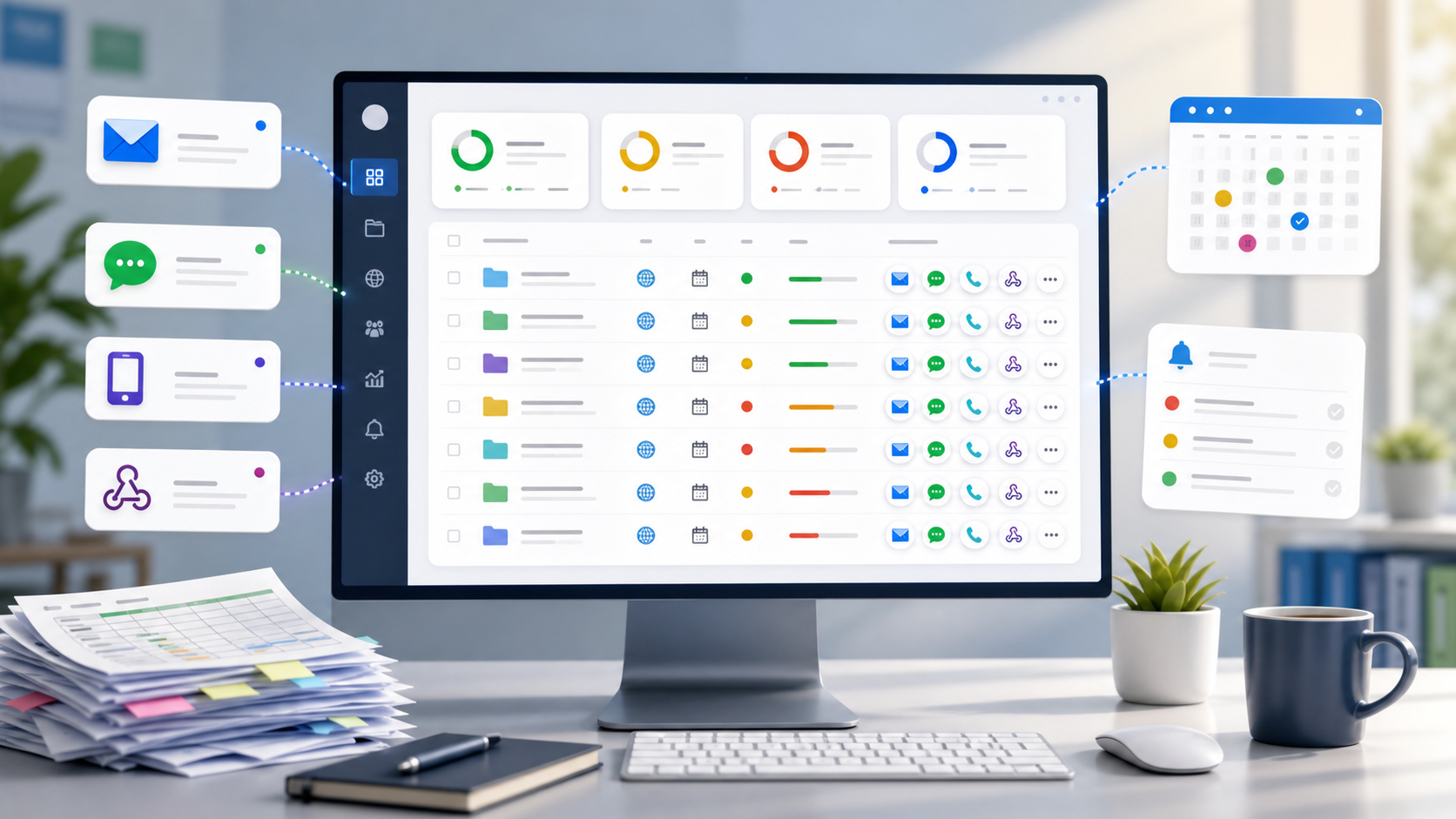
domainnotifications.com gives agencies a practical reminder workflow without replacing their registrars. Teams can import client domains, track expiration dates across registrars, add client and ownership context, use tags and notes, keep sensitive records private on eligible plans, invite teammates with role-based access, and route reminders through email, Slack, SMS, or webhooks according to workspace plan and channel setup.
For a product-focused overview, visit the domain management for agencies page. If your main priority is alert routing, the domain expiration reminder software page explains the reminder workflow in more detail.
The strongest agency setup is not one more inbox warning. It is a shared renewal process where the reminder, client context, registrar details, and responsibility point to the same record.