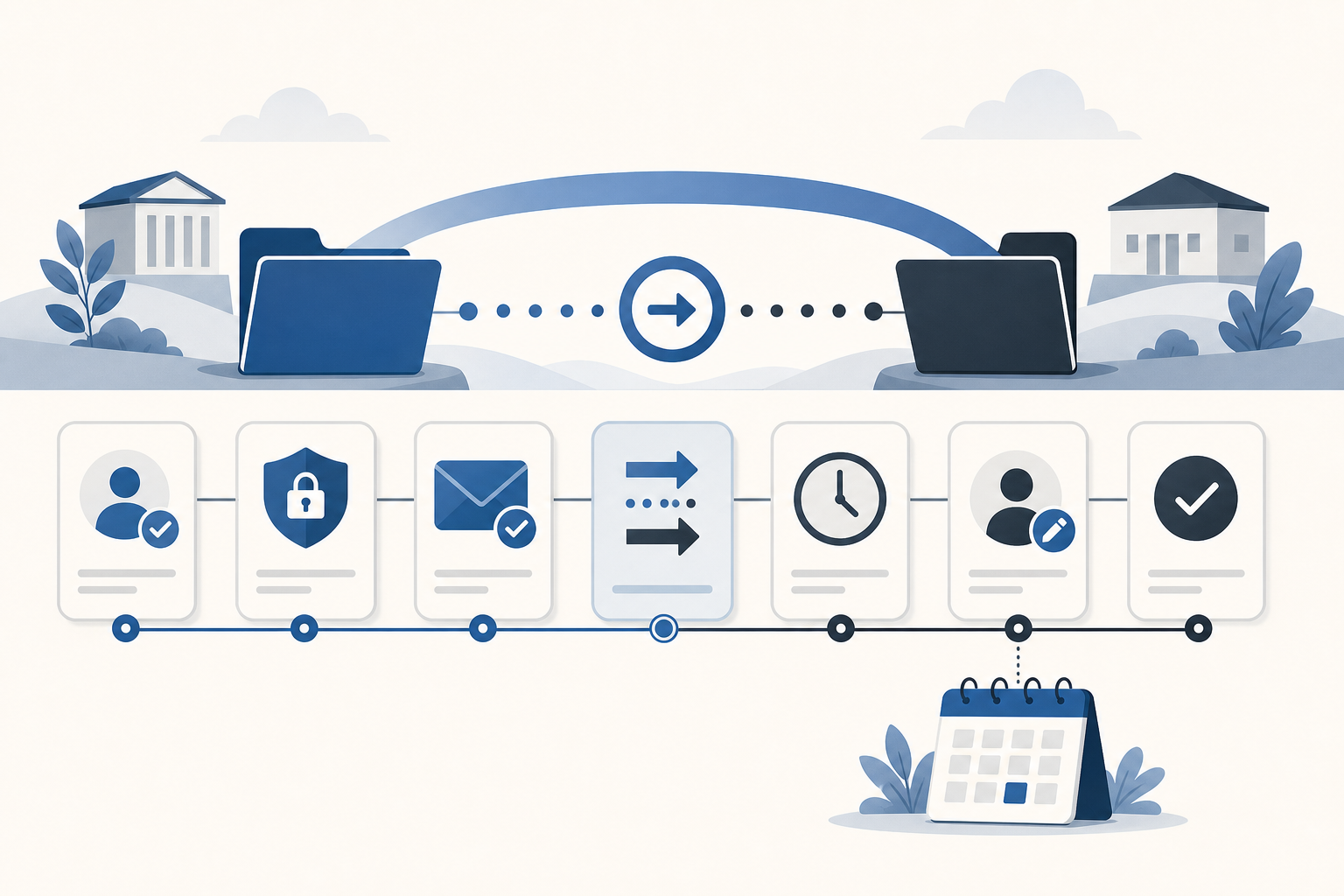
IT teams are often responsible for more domains than the org chart suggests. The public website and main email domains are obvious. The real portfolio also includes product domains, redirects, regional domains, old campaign domains, acquired domains, vendor-managed domains, and names registered years ago by people who no longer work at the company.
That creates a quiet operational risk. A domain can be business-critical even when nobody thinks about it day to day. If it expires, points to the wrong DNS provider, sits in an inaccessible registrar account, or has a stale billing method, the team has to solve a problem that a better inventory could have surfaced earlier.
Domain portfolio management for IT teams is not about building a heavy governance program. It is about having one reliable place to answer basic questions before they become incidents.
The portfolio is bigger than the domains people remember
Most teams can name the primary company domain. Fewer can immediately name every domain that affects email deliverability, redirects, product launches, old microsites, recruiting campaigns, client portals, short links, internal tools, or brand protection.
The first job is to make the hidden portfolio visible. Collect domains from registrar accounts, DNS providers, SSL records, marketing systems, invoices, password managers, old spreadsheets, and vendor documentation. The result does not need to be perfect on day one. It needs to be centralized enough for gaps to become visible.
A useful first-pass inventory should include:
- Domain name
- Registrar
- Expiration date
- Current status
- Owner or responsible team
- DNS provider and hosting context
- Renewal contact or escalation path
- Notes about access, billing, purpose, and risk
This is the minimum map. It gives a small team enough structure to find weak records without turning domain management into a separate department.
Separate ownership, access, and responsibility
IT teams often run into domain trouble because three ideas get treated as one: who owns the domain, who can access the registrar, and who is responsible for renewal action.
Those answers can be different. Marketing may own the brand decision. IT may manage DNS. Finance may own the card used for renewal. A vendor may have registrar access. A founder may still receive the registrar emails. In a small company, this may feel manageable because people can ask around. That approach breaks down during turnover, acquisitions, vendor changes, and urgent incidents.
For each important domain, record the answers separately:
- Commercial owner: the person, team, or business unit that decides whether the domain should exist.
- Technical access: the account or team that can change registrar, DNS, and renewal settings.
- Operational responsibility: the person or team that must act before expiration or during a domain incident.
This distinction keeps the portfolio honest. If nobody owns one of those fields, the domain should be marked for review instead of assumed to be safe.
Make renewal tracking independent from registrar inboxes
Registrar emails are helpful, but they are not a reliable operating model. They only go where the registrar account tells them to go. That might be a shared mailbox, a finance address, an old employee, an outside consultant, or a personal account used when the domain was first registered.
IT teams need renewal tracking that follows the current team, not the historical registrar contact. Every domain should have an expiration date, a renewal lead time, and a reminder destination that matches how the team actually works.
Some domains only need a standard reminder. Others need earlier warning because renewal depends on budget approval, legal review, vendor coordination, access recovery, or a decision about whether the domain should be retired. The key question is not just when the domain expires. It is how much time the team needs to act without panic.
Use risk tiers instead of treating every domain the same
IT teams do not have infinite attention. Treating every domain as equally important creates noise, while ignoring low-traffic domains entirely creates blind spots. A simple risk model helps the team spend attention where it matters.
One practical approach is to tag domains into tiers:
- Critical: primary website, email, authentication, customer portal, product, or revenue-impacting domains.
- Important: active campaign, regional, redirect, partner, or brand-protection domains.
- Review: domains with unclear ownership, uncertain access, stale notes, or missing expiration data.
- Retire: domains that may no longer need renewal but require a deliberate decision before being allowed to lapse.
The tier should influence the workflow. Critical domains may need earlier reminders, shared destinations, and stricter access notes. Review domains should appear in recurring cleanup work. Retire candidates should not disappear until the business owner confirms they are safe to drop.
Track domains across registrars without forcing consolidation first
Registrar consolidation can be useful, but it is rarely the first step. IT teams often inherit domains across several providers because of historical purchases, country-code requirements, acquisitions, agencies, and vendor-managed work. Moving everything too quickly can create new risk.
The better first move is to manage domains across registrars from one inventory. That gives the team a complete view while leaving the underlying registrar decisions for a more deliberate review.
Once the central inventory exists, the team can ask better questions: Which registrars hold only one or two domains? Which accounts have unclear access? Which domains use outdated billing contacts? Which names should eventually move to the preferred registrar? Which should stay where they are because a vendor or country-code process requires it?
Consolidation should be an outcome of portfolio review, not a prerequisite for visibility.
Build a lightweight monthly review
The most valuable domain process for a small IT team is usually a short recurring review. It does not need to be a long meeting. It needs to be consistent.
Once a month, review domains that expire in the next 30, 60, and 90 days. Check for records with missing expiration dates, unknown registrars, unclear owners, stale access notes, or active domains that nobody recognizes. Look at high-risk tags and retire candidates. Confirm that reminder destinations still match the current team.
A good review should answer these questions:
- Which domains require action before the next review?
- Which domains have uncertain ownership or access?
- Which critical domains need earlier warning or broader visibility?
- Which domains can be retired, transferred, or consolidated?
- Which notes need updating so the next incident is easier to handle?
This cadence turns domain management into maintenance instead of emergency response.
Keep the workflow accessible to non-specialists
In effective teams, domain knowledge cannot live only with the person who understands registrars best. Managers, operations teammates, finance, and support may all need enough visibility to understand renewal risk or find the right owner.
That does not mean everyone needs edit access. It means the system should support simple roles: people who can view the portfolio, people who can update records, and people who can administer workspace settings. Sensitive domains may need private visibility, but ordinary operational records should not be locked inside one person's inbox or local spreadsheet.
The test is straightforward: if the primary domain owner is unavailable, can another trusted teammate find the domain, understand its purpose, see when it renews, and know who should act?
When a spreadsheet stops being enough
A spreadsheet can work for a very small portfolio when one person owns the process and changes are rare. It becomes less reliable when the team needs reminders, role-based access, private records, domain-level notes, imports, exports, tags, and review workflows.
The issue is not that spreadsheets are bad. The issue is that a spreadsheet is passive. It will not notice when a reminder destination is missing. It will not route an alert to the right shared channel. It will not distinguish viewer access from manager access. It will not connect renewal risk to a structured domain record unless the team keeps doing that work manually.
For IT teams, the best way to track domain renewals is the lightest system that still makes ownership, expiration, registrar context, and responsibility visible.
Where domainnotifications.com fits
domainnotifications.com gives IT teams domain portfolio management without replacing their registrars. Teams can import existing spreadsheets, track expiration dates across registrars, record ownership and technical notes, use tags, keep sensitive records private on eligible plans, invite teammates with role-based access, and route reminders through email, Slack, SMS, or webhooks according to plan and channel setup.
If your team is evaluating a product-focused workflow, the domain management page for IT teams shows how the workspace fits small internal teams. The domain portfolio management software page covers the broader product workflow.
The practical goal is simple: one operating view of the portfolio, clear responsibility before renewal dates arrive, and fewer surprises hidden in registrar accounts the team rarely checks.